Originally, voice agents were just speech recognition with rule-based responses and text-to-speech stitched into a function call. But we're past that point now (sorry, Siri).
The new AI voice agents can hold conversations, call tools, and complete tasks while the person stays on the line. But the market is filled with similar-looking companies in this space making it hard to take a decision.
So I compared 10 best AI voice agent platforms by how you build the agent, what runs underneath it, how it handles phone calls, and what it costs.
TL;DR
| Platform | Best fit | Public entry price in August 2026 | Cost or deployment constraint |
|---|---|---|---|
| Retell AI | Self-serve inbound and outbound phone agents | $0.07–$0.31/min pay as you go | Final rate changes with LLM, voice, telephony, and add-ons |
| Vapi | Developers composing their own voice stack | $0.05/min hosting | STT, LLM, TTS, and telephony are separate or BYO |
| ElevenLabs | Teams already centered on ElevenLabs voices | Free with 15 minutes. Paid from $6/month | Extra minutes are $0.08. LLM and telephony cost extra |
| Synthflow | No-code, sales-led enterprise deployments | From $30,000/year | No current numeric self-serve production tier is published |
| Bland AI | A bundled AI minute and high-volume phone workflows | $0.14/min with no platform fee | Telephony is separate. Lower rates add $299–$499/month |
| LiveKit | Open-source, code-first real-time agents | $0 with 1,000 agent minutes | Inference, telephony, and observability are separate meters |
| Deepgram | One WebSocket for STT, LLM, and TTS | $200 credit, then $0.075/min standard | Phone transport still needs a telephony integration |
| PolyAI | Managed voice automation for large contact centers | Custom per-minute pricing | Sales-led implementation and no published rate |
| Voiceflow | Collaborative voice-and-chat conversation design | Free trial with usage pricing or a quote | Public page does not show a numeric production rate |
| Twilio ConversationRelay | Teams already operating on Twilio Voice | $0.07/min | Twilio Voice and the model layer are billed separately |
What is an AI voice agent?
An AI voice agent is a speech recognition and voice model with an LLM as the backend. Like other types of AI agents, a good voice agent has access to tools to complete tasks during conversations. It listens to the caller, works out what they need, and can use a business system before replying in the same conversation. Unlike an IVR, it accepts open-ended language instead of forcing callers through a fixed menu.
The voice agent coordinates six parts of that conversation:
- Telephony or real-time transport carries audio from a phone, browser, or app.
- Speech-to-text and turn detection convert audio into text and decide when the caller has finished a thought.
- A language or speech-to-speech model interprets intent and chooses a response or tool.
- Tools and business logic read from systems such as a CRM or calendar, make approved changes, and transfer the call when needed.
- Text-to-speech turns the response back into audio when the model does not generate audio directly.
- State, guardrails, and observability keep the conversation coherent, limit what the agent can do, and explain failures after the call.
Why teams use AI voice agents
AI voice agents are used so callers can phrase their request in natural language and the agent can take deterministic actions while providing a natural language response.
For instance, an AI customer service voice agent might check an order or move an appointment without making a customer go through an IVR. Or an outbound AI voice agent could be used to qualify a lead before passing on the call to a human sales person.
These agents generally help:
- Answer overflow and after-hours calls. The agent can collect intent and complete approved tasks when the staffed queue is closed or full.
- Apply a consistent process to repetitive calls. The agent follows the same approved call flow. It can authenticate the caller before a write and transfer when the workflow requires a person.
- Let callers describe the problem naturally. The caller does not have to identify the correct IVR branch before explaining what happened.
- Collect context before a human handoff. The agent can identify the account and summarize the problem. The person who takes over does not have to restart the call.
How to evaluate AI voice agent platforms
There are four ways to evaluate an AI voice agent platform:
- Response latency and interruptions
- Deployment
- Task completion
- Cost per resolved call
Response latency and interruptions
Voice agents need to reply quickly enough that a pause still feels like part of the conversation. Response latency measures the full wait from the end of the caller's turn to the first audio from the agent.
| Check | What to test | Passing signal |
|---|---|---|
| End-to-end latency | Time from the caller finishing their sentence to the first agent audio, including turn detection, transcription, the model, and speech generation | Human turn transitions peak within 200ms. But maintaining sub-500ms agent responses feel responsive enough. |
| Barge-in | The caller corrects the agent while it is speaking | The agent stops, listens, and continues from the correction |
| False interruptions | Background noise and brief acknowledgments such as “right” or “okay” | The agent does not abandon its response unless the caller takes the turn |
| Protected speech | A legal disclaimer or safety instruction | Interruptions can be disabled when the full message has to be played |
Deployment
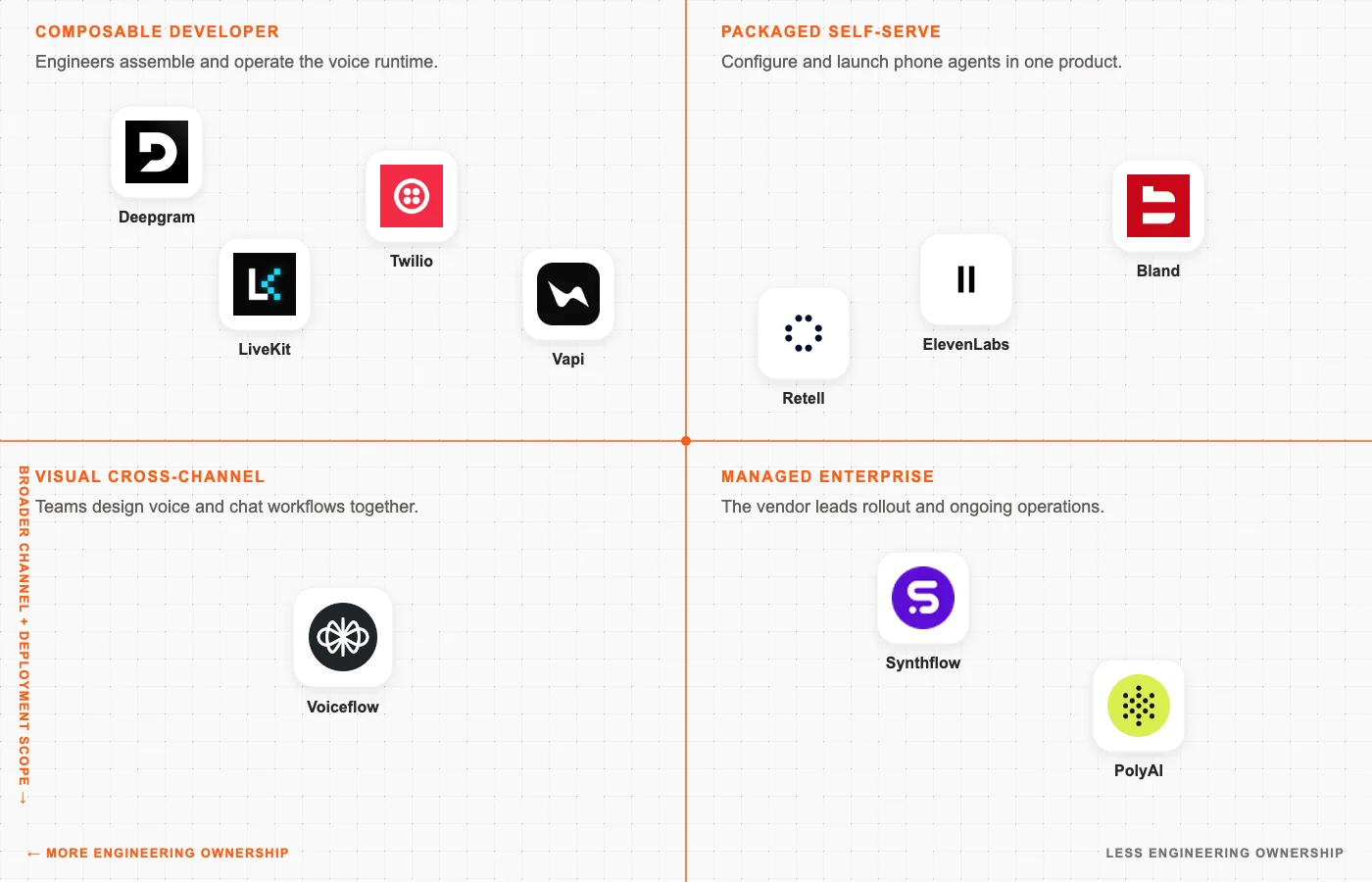
A composable platform gives engineering control over the models, telephony layer, and hosting, but the team also has to maintain more of the system.
On the other hand, a packaged platform moves more of that work to the vendor, which suits teams that mainly need to change prompts and call flows.
| Model | What your team owns | Platforms in this guide | Choose it when |
|---|---|---|---|
| Packaged self-serve platform | Prompts, flows, integrations, QA | Retell, Bland, ElevenLabs | You want to ship quickly without maintaining real-time infrastructure |
| Composable developer platform | Agent code, providers, tools, deployment choices | Vapi, LiveKit, Deepgram, Twilio | Voice is part of your product and engineering needs control |
| Visual cross-channel builder | Conversation design, tools, environments | Voiceflow | Designers, operations, and engineers share ownership across chat and voice |
| Managed enterprise deployment | Requirements, source systems, governance, acceptance | Synthflow, PolyAI | Procurement, contact-center integration, and vendor support matter more than self-serve iteration |
If you need to maintain recordings and transcripts, that's another constraint to your choice. Their storage location, access rules, retention period, and consent process have to match company policy.
Task completion
Task completion is what the agent is capable of handling behind the scenes based on a user's request. For example, an appointment reschedule request should trigger the agent's workflows to check availability and change the date on the calendar based on the request. The workflow includes:
- Successful write: The agent creates one update and confirms it after the calendar responds.
- Input coverage: The same task works with names, addresses, and amounts in each supported language and at peak traffic.
- Failure path: A slow or failed calendar does not produce a false confirmation or a duplicate update. The call transfers when the agent cannot finish safely.
- Debugging: One timeline connects the audio, transcript, model response, tool call, tool result, and transfer.
Cost per resolved call
There are layers to the costs associated with running AI voice agents. The advertised price per minute may cover one part of the stack, while the task depends on several other meters.
| Layer | What it covers |
|---|---|
| Voice stack | Platform, transcription, model, voice, and phone line |
| Call outcomes | Recordings, transfers, and failed calls |
| Operations | Compliance, implementation, and QA |
| Decision metric | Total cost divided by resolved calls, compared with what the same task costs today |
When you combine these layers, a $0.05 platform minute can become $0.13 after the rest of the voice stack is added, making a six-minute call cost $0.78.
Top 10 AI voice agent platforms in 2026
The 10 AI voice agent platforms I have covered below compete on different layers, and I have skipped standalone voice generators from the list.
1. Retell AI - Best self-serve AI phone agent platform
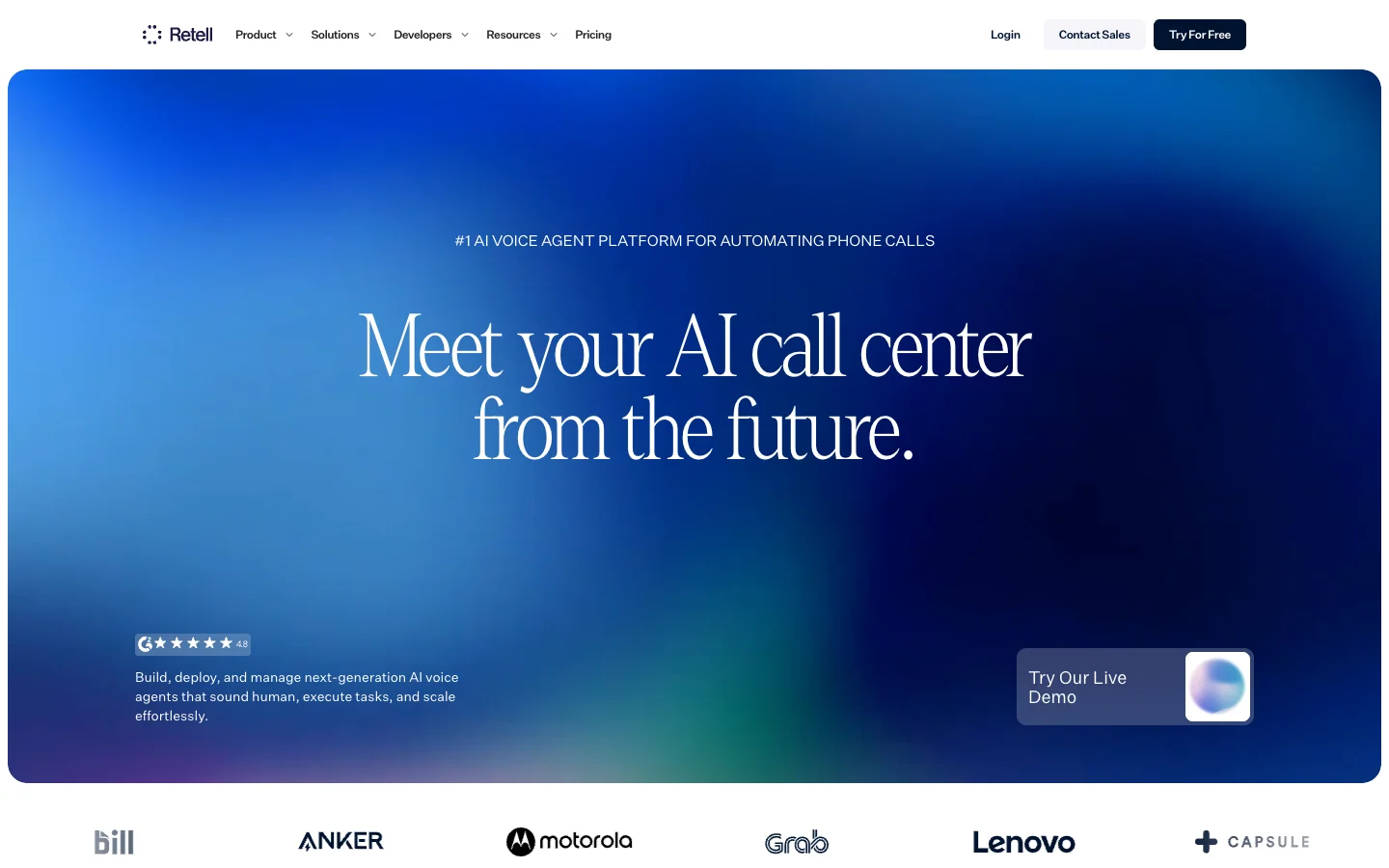
Retell AI comes closest to an all-in-one self-serve phone-agent platform in this list. Product and operations teams can design the call visually, while engineers connect the agent to business systems through functions and webhooks.
Retell AI key features
- Visual call flows let the model handle open-ended conversation while transfers stay deterministic
- Custom functions call your API mid-call, so the agent can act on business data instead of only discussing it
- Knowledge bases supply approved answers, while simulations and AI QA test how those answers sound in a call
- Retell, ElevenLabs, and OpenAI are the major voice options, and the voice API also lists Cartesia, MiniMax, and Fish Audio voices
- The pay-as-you-go plan includes 20 concurrent calls. Built-in phone numbers are metered per minute, and custom SIP carries no Retell telephony charge
Retell AI pricing
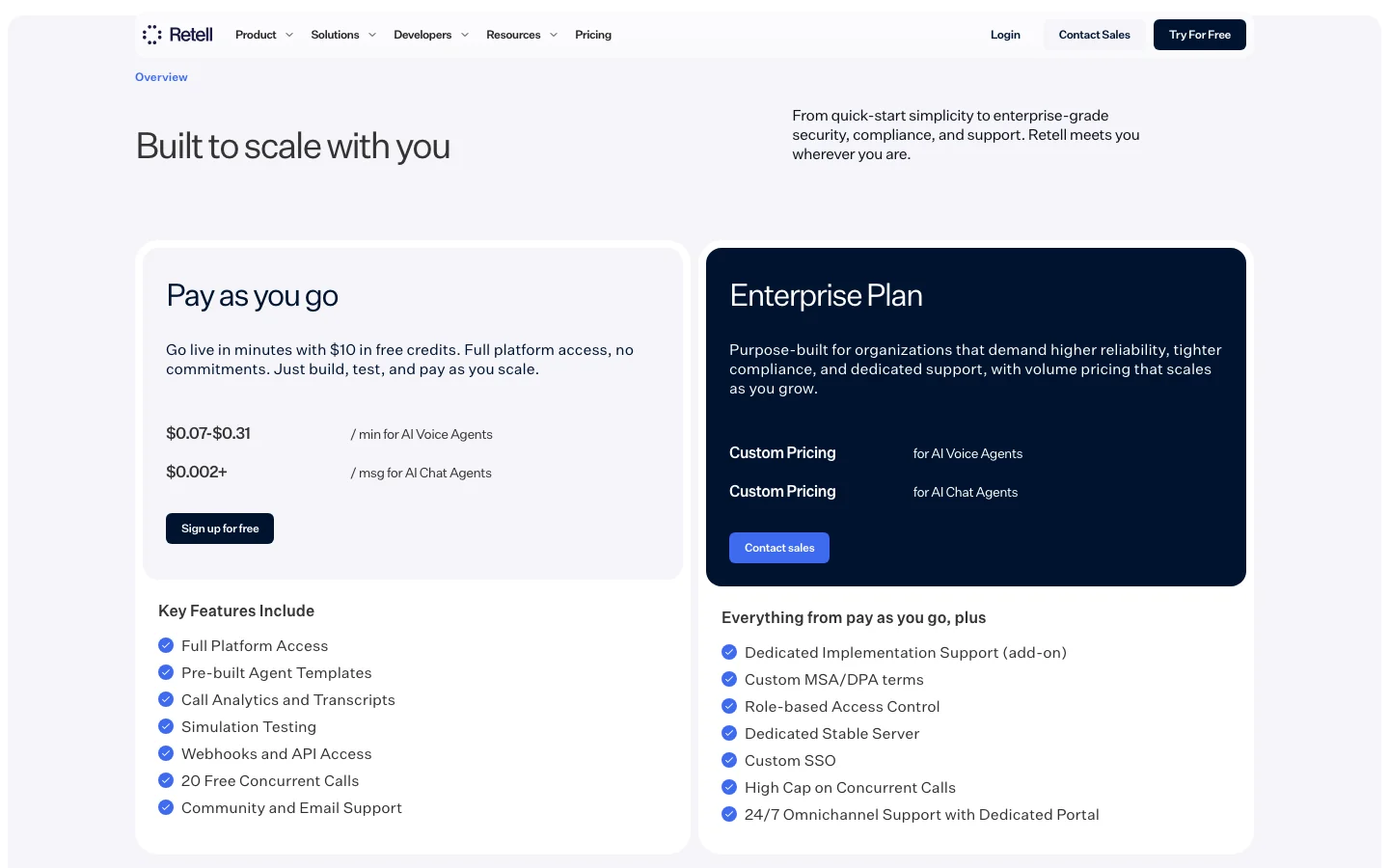
Retell costs $0.07–$0.31 per minute on pay as you go and includes $10 of test credit. Voice infrastructure is $0.055/min, and a platform voice starts at $0.015/min. The selected model and telephony determine the rest of the bill. Enterprise pricing is custom.
When to choose Retell AI
Choose Retell when different teams need one workspace for building and operating a phone agent.
2. Vapi - Best composable voice AI platform for developers
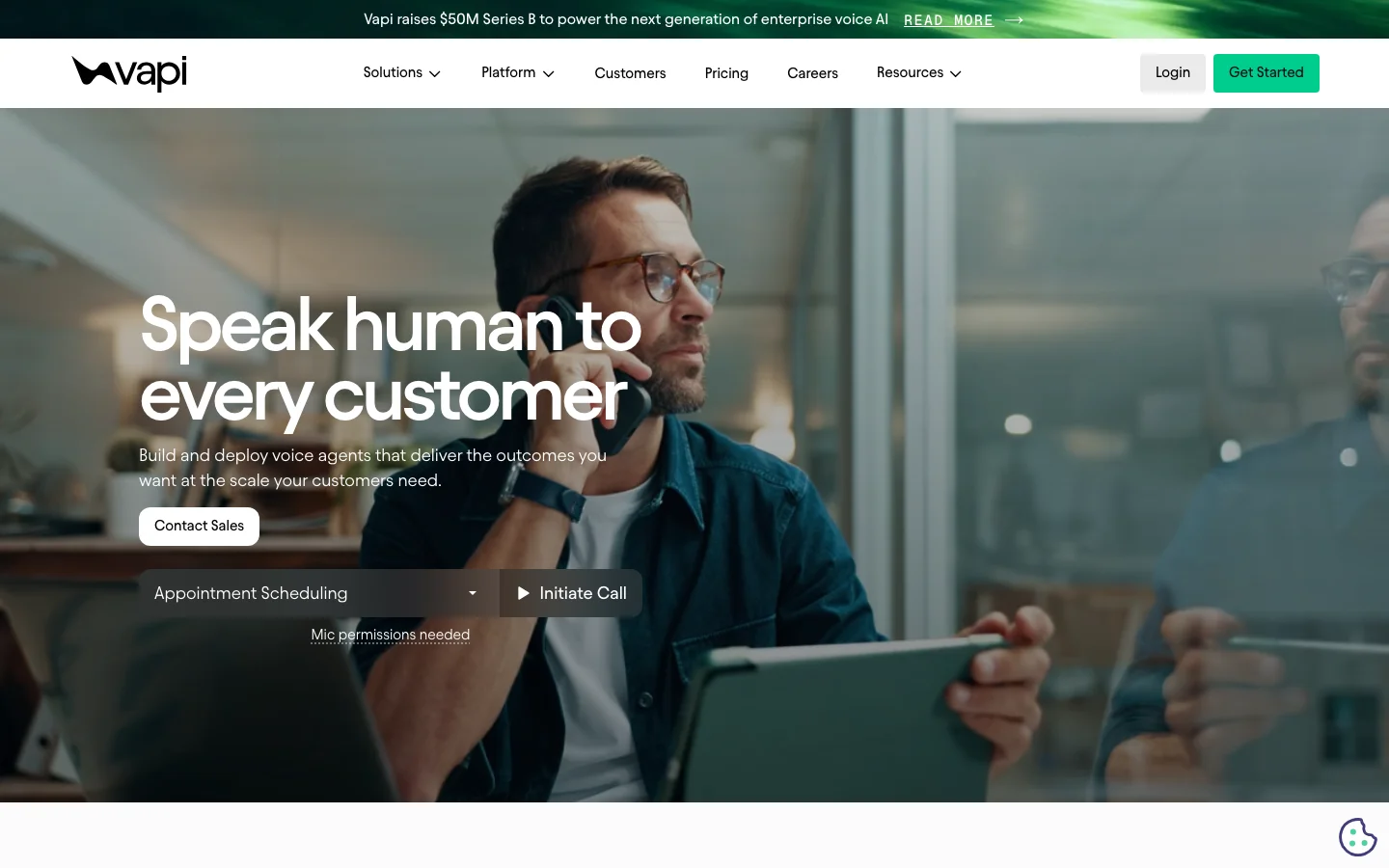
Vapi is designed for developers who want to choose the moving parts rather than inherit a fixed tech stack. Vapi hosts the orchestration, while your team chooses the models and phone provider. The only consideration is that each provider becomes another service you need to monitor.
Vapi key features
- Choose OpenAI or Anthropic for the language model and Deepgram or ElevenLabs for speech. Vapi also supports other providers and bring-your-own API keys
- Run the same agent over a phone line or inside a web app. SIP connects an existing phone system
- Add custom tools through webhooks or MCP, and use inline code for smaller functions
- Test calls with simulations and score the output against structured criteria
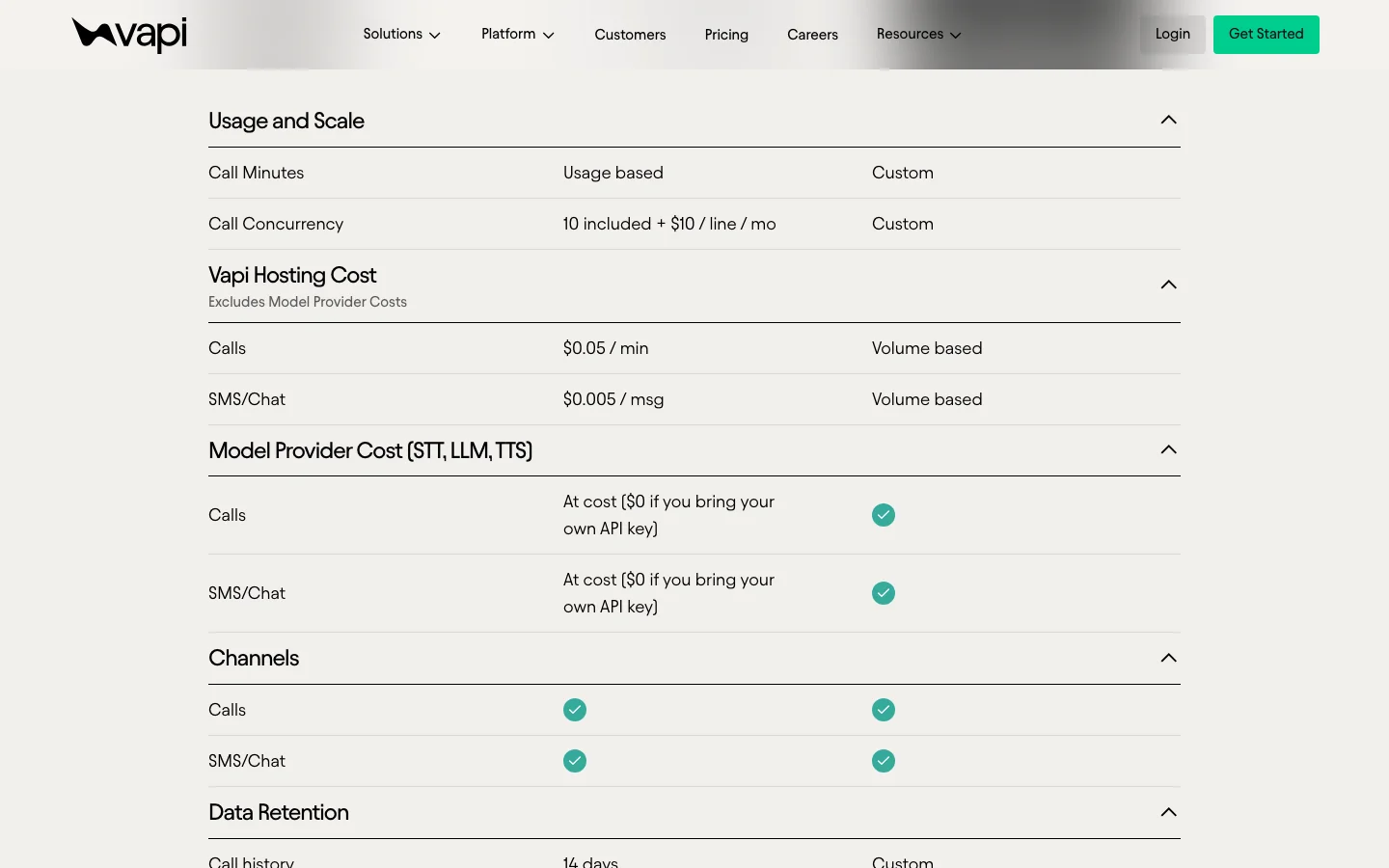
- The Build tier includes ten concurrent calls. Additional lines cost $10 per month
Vapi pricing
Vapi Build costs $0.05 per call minute for orchestration and hosting. Speech, model, and phone costs sit on top. Vapi passes provider charges through at cost, but when you bring an API key, that provider bills you directly instead.
Build lists HIPAA at $2,000/month and zero data retention at $1,000/month. Scale uses an annual contract and volume pricing.
When to choose Vapi
Choose Vapi when engineers want hosted orchestration without committing the agent to one provider.
3. ElevenLabs - Best voice-first agent platform
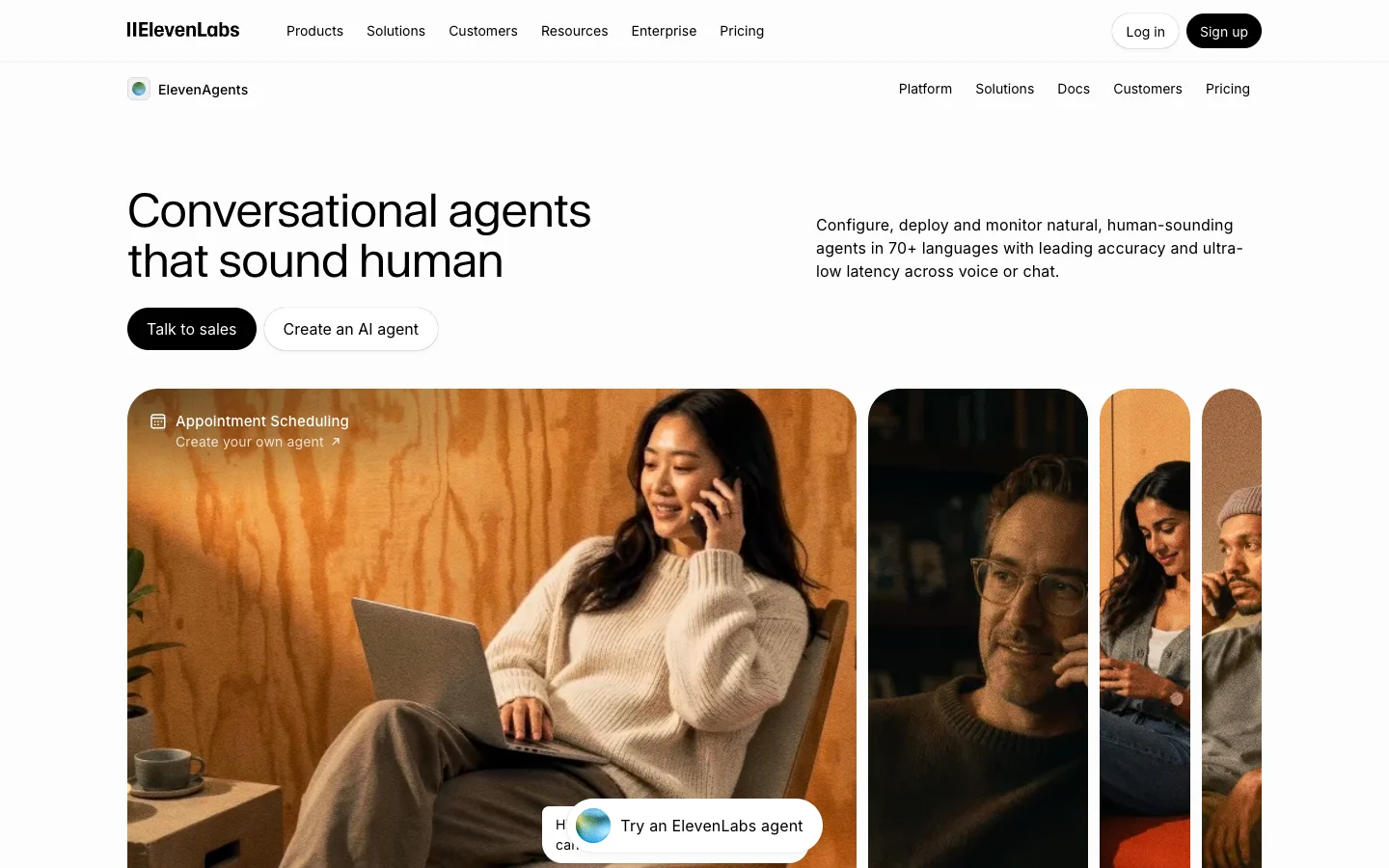
ElevenAgents makes sense when you already want to build around the ElevenLabs speech stack. Instead of plugging its voice into another platform, you can build the workflow and connect business tools in ElevenLabs too.
ElevenLabs key features
- The agent hosting rate includes ElevenLabs text-to-speech and speech-to-text
- The workflow builder adds approved knowledge and webhook tools around that speech stack
- You can use ElevenLabs' managed model or connect a third-party model
- Agents work over phone and web with paid burst capacity that covers traffic beyond the plan's concurrency
ElevenLabs pricing
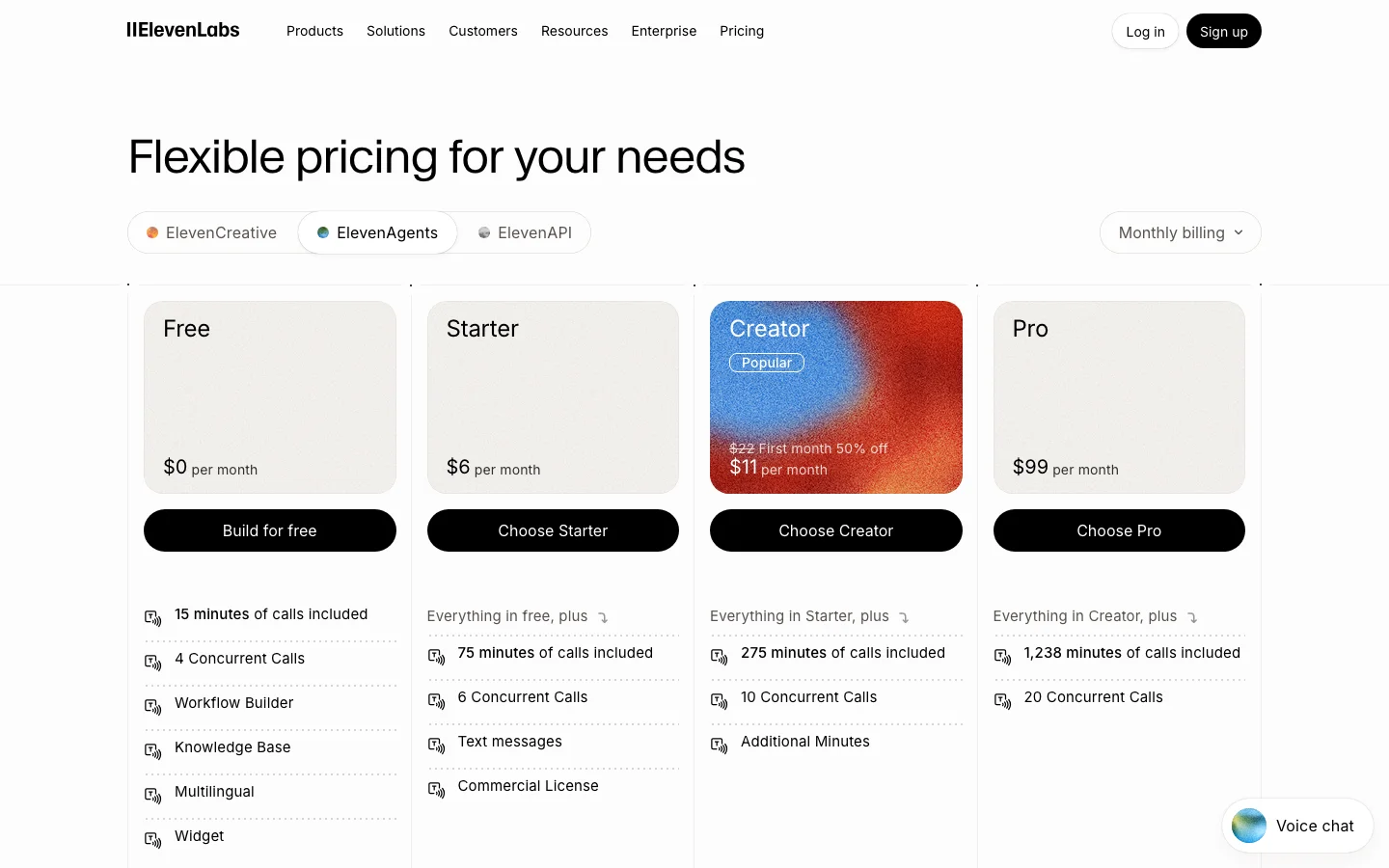
ElevenAgents starts free with 15 call minutes and four concurrent calls. Paid plans start at $6/month for 75 minutes. Additional minutes cost $0.08 and burst minutes cost $0.16.
The language model and telephony are billed separately.
When to choose ElevenLabs
Choose ElevenLabs when its speech stack is central to the product and you want it to run the agent too.
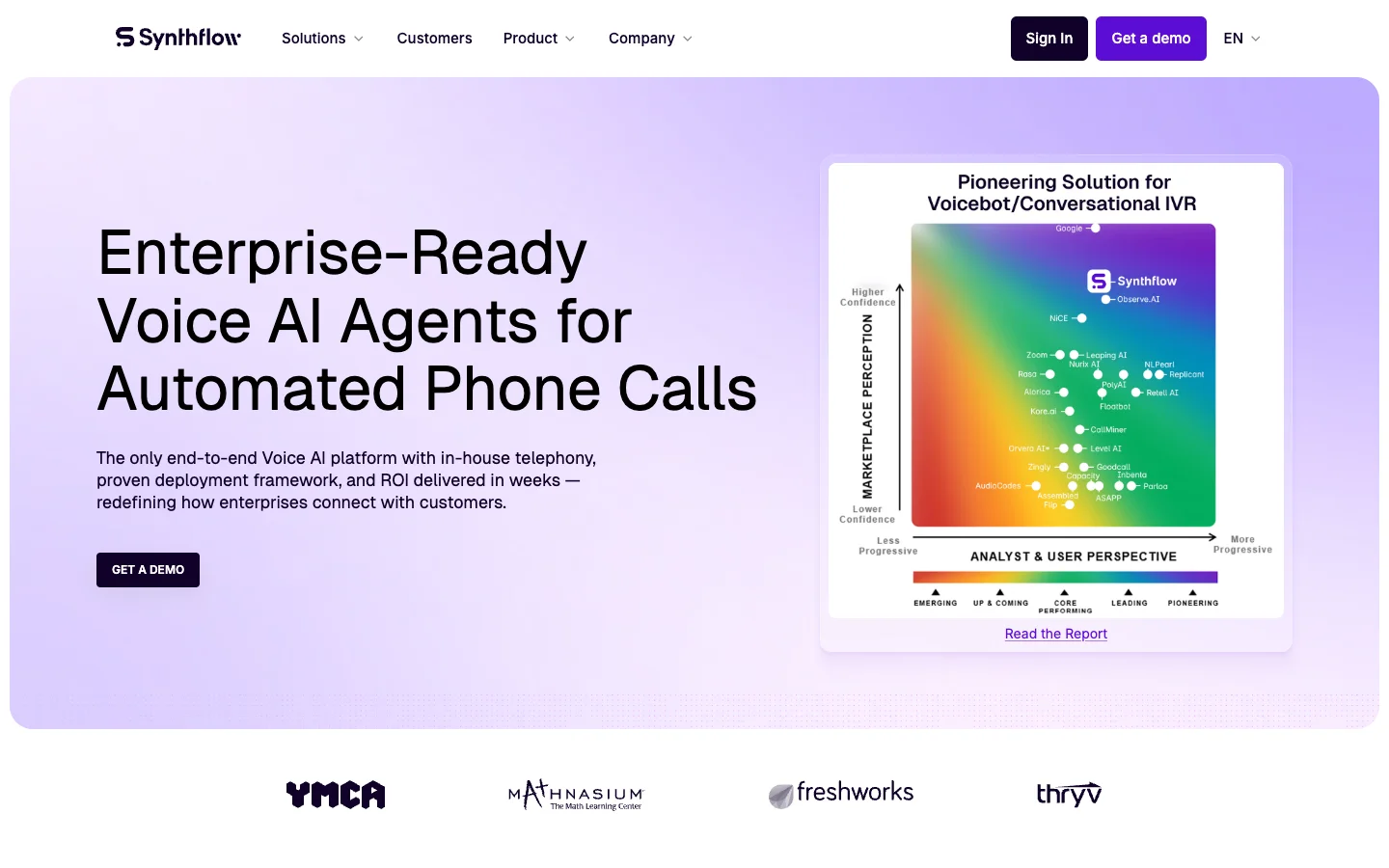
4. Synthflow - Best no-code enterprise voice agent platform
Synthflow provides a visual builder so operations teams can design inbound or outbound call flows and connect them to a CRM without worrying about the real-time infrastructure.
Synthflow key features
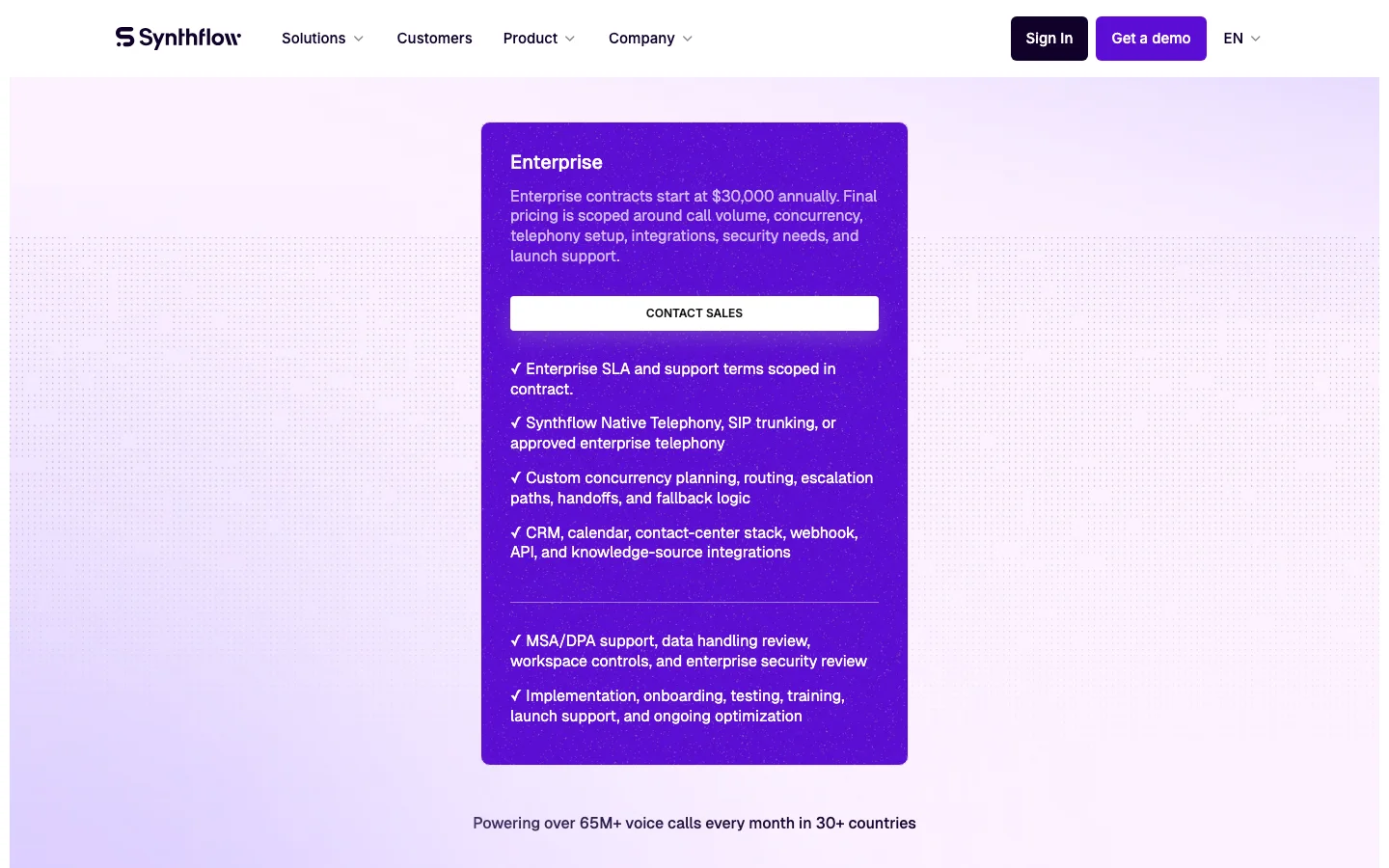
- Visual flows use approved knowledge sources and can be configured by operations teams
- Native telephony covers a new deployment, while SIP connects an established contact center
- CRM and calendar integrations handle standard workflows, while webhooks connect custom systems
- Human handoff and voicemail handling are built into the call flow
- Vendor support continues through testing and launch
Synthflow pricing
Synthflow enterprise contracts start at $30,000 per year. The quote depends on call volume and the work required to connect and launch the agent. The public site no longer offers a self-serve signup or a numeric production tier, so budgeting starts with a sales conversation.
When to choose Synthflow
Choose Synthflow when operations teams need a visual builder and want vendor support through launch.
5. Bland AI - Best bundled AI minute for phone automation
Bland AI has a refreshingly concrete pitch: build phone agents and pay one bundled rate for the AI portion of the call.
Bland AI key features
- The Pathway builder combines scripted call logic with custom tools and knowledge
- Batch calling and voicemail handling support outbound operations
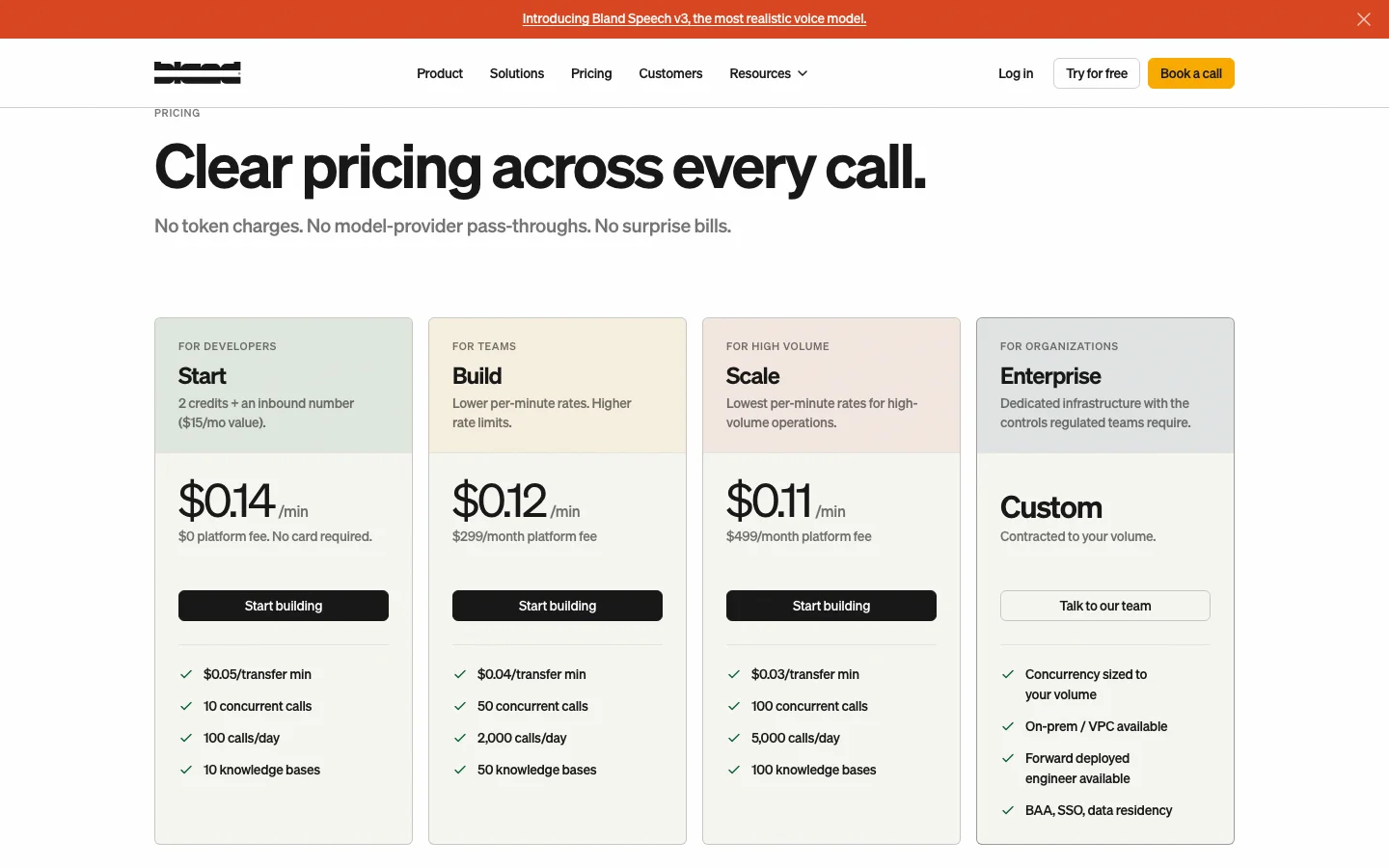
- Self-serve plans publish their concurrency and daily call limits
- Built-in testing covers self-serve teams, and enterprise buyers can add forward-deployed engineering
- Use Bland telephony at pass-through cost or connect Twilio or SIP
Bland AI pricing
Bland Start has no platform fee and costs $0.14 per connected minute. Build costs $299/month plus $0.12/min. Scale costs $499/month plus $0.11/min. The AI rate includes the model and speech pipeline. Telephony is separate. Transfer minutes have lower published rates unless you bring your own telephony.
When to choose Bland AI
Choose Bland when a bundled AI rate makes a phone-first deployment easier to budget.
6. LiveKit - Best open-source real-time agent infrastructure
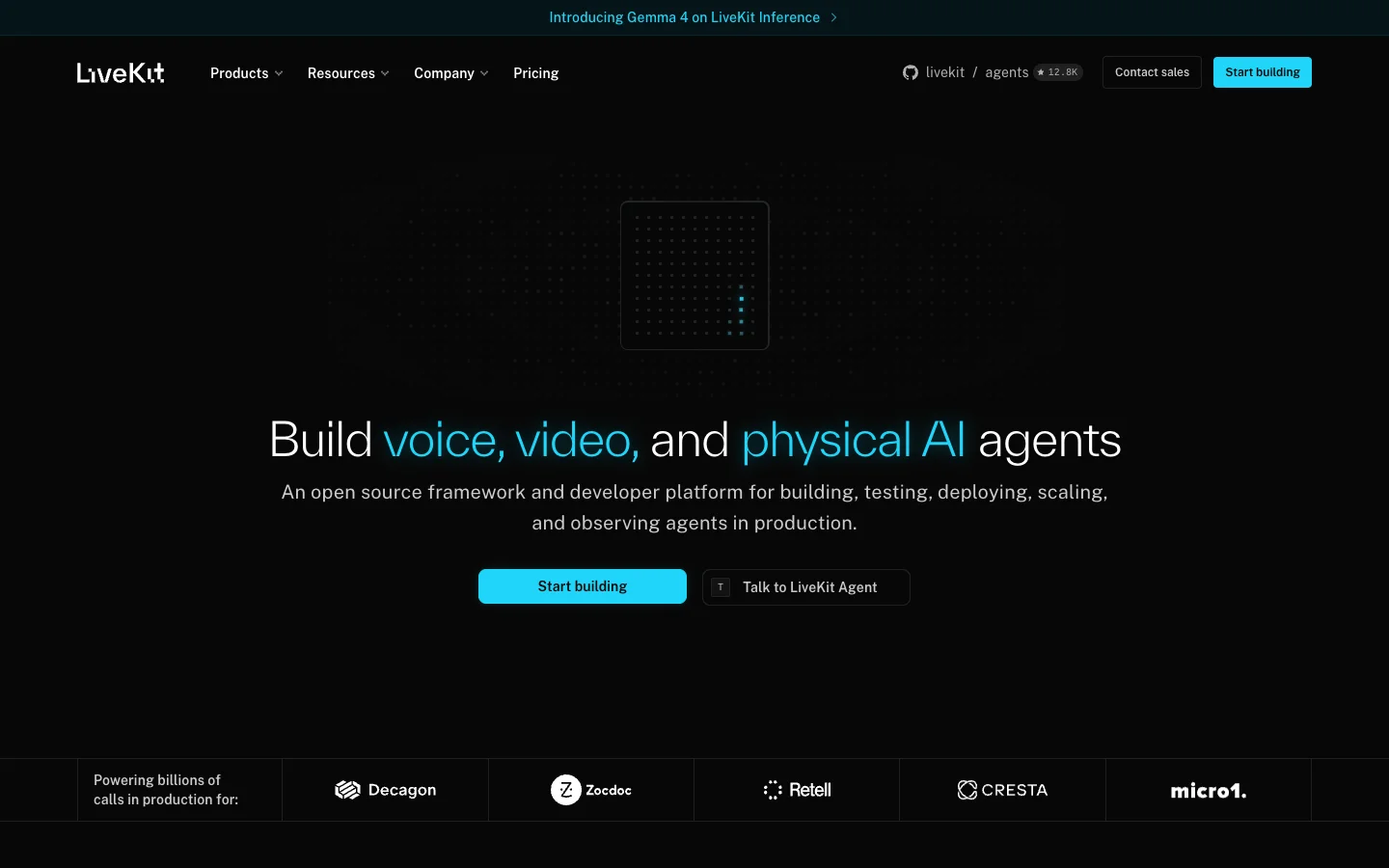
LiveKit Agents does not pretend to be a no-code phone-agent builder. It is open-source real-time infrastructure for developers working in Python or Node. The agent joins a LiveKit session as a participant, so the framework can power a browser or app experience as well as a phone call.
LiveKit key features
- Python and Node SDKs expose the agent lifecycle, including tools and handoffs
- WebRTC handles browser sessions, while SIP and phone numbers connect the same agent to telephony
- OpenAI and Anthropic are among the major model plugins, while Deepgram and ElevenLabs cover speech. The plugin catalogue adds providers such as Google, Groq, and Cartesia
- Deploy on LiveKit Cloud for automatic scaling and rollback, or self-host the stack
- Session traces put the recording beside the transcript and timing data
LiveKit exposes the media and agent lifecycle to application code. That gives engineers control, but it also makes them responsible for deployment and production safeguards.
LiveKit pricing
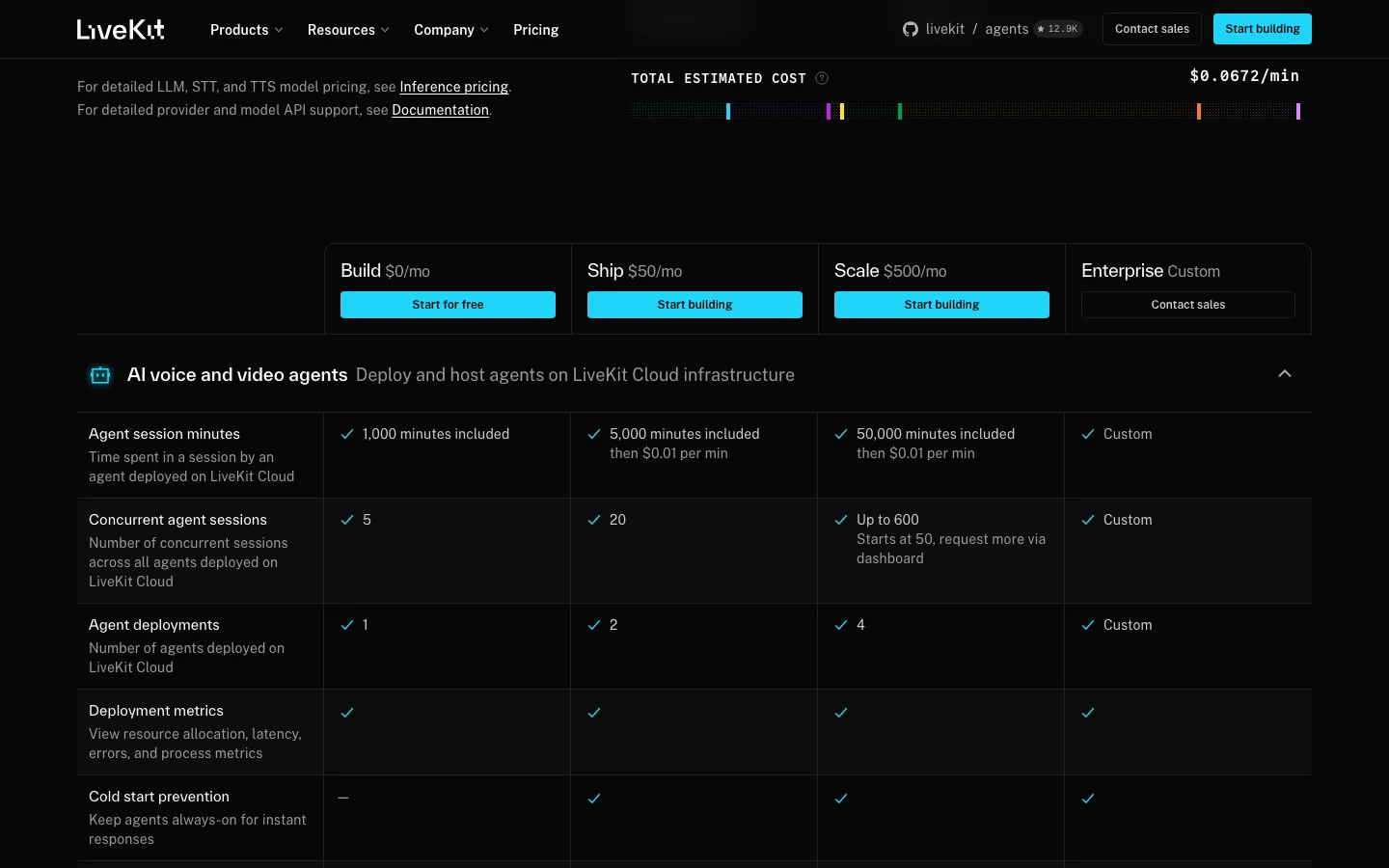
LiveKit Cloud Build costs $0/month and includes 1,000 agent-session minutes.
Ship costs $50/month with 5,000 minutes, while Scale costs $500/month with 50,000. Paid-tier overage is $0.01 per agent-session minute.
Model inference and telephony use separate meters, as do recordings and observability. The pricing calculator's $0.0672/min example is one configured stack, not a universal rate.
When to choose LiveKit
Choose LiveKit when the agent must work across an app and phone line, or when you need a path between managed cloud and self-hosting.
7. Deepgram - Best unified streaming voice agent API
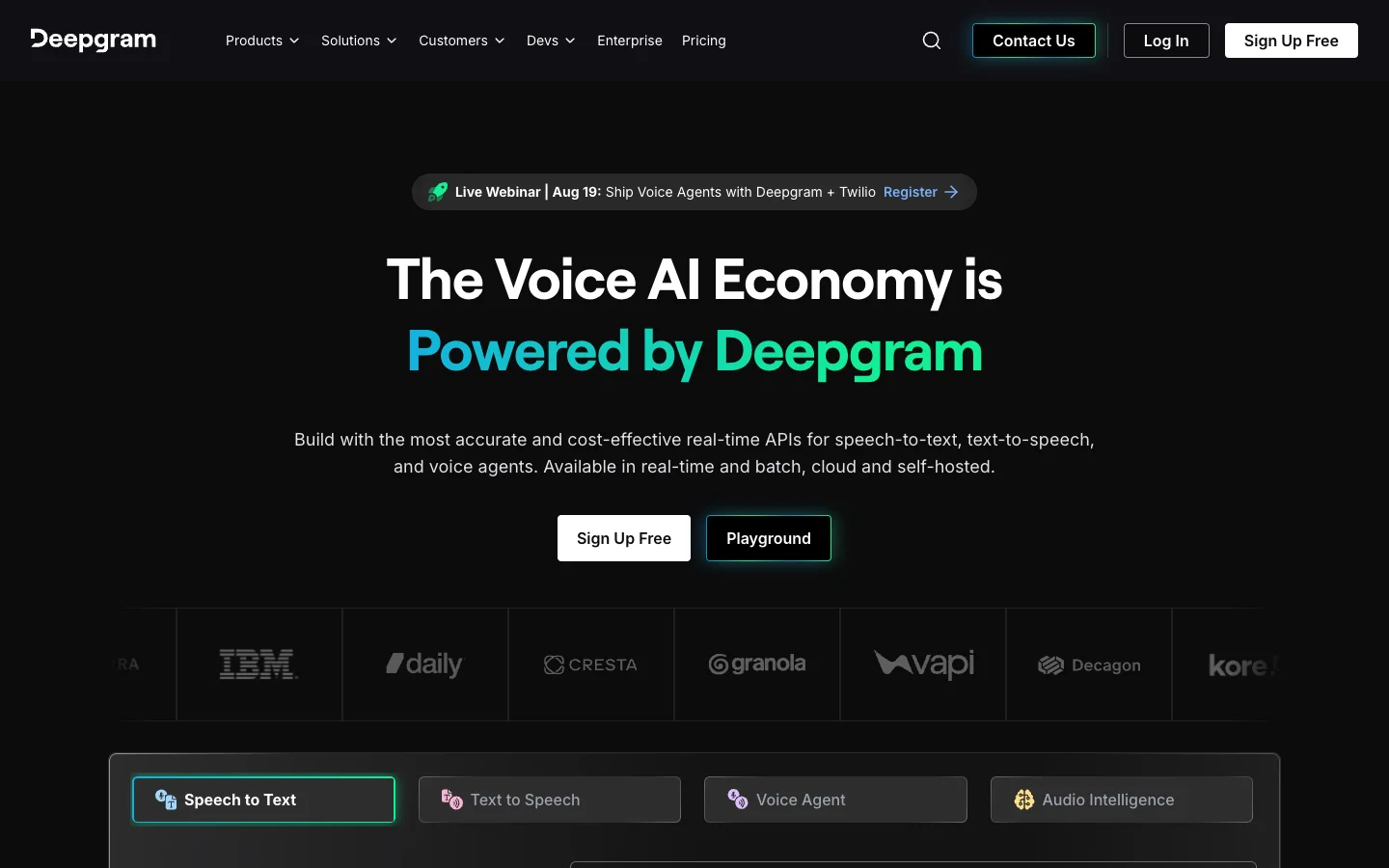
Deepgram's Voice Agent API tackles a problem voice engineers know well: each service boundary gives latency or conversation state another place to go wrong. Deepgram carries the speech pipeline, model events, and tool calls over one WebSocket.
Deepgram key features
- Flux handles conversational speech recognition and detects when the caller has finished a turn
- Use Deepgram's speech stack and managed models, or connect an external model provider
- Function calling and live prompt updates keep the application in control of the session
- Self-serve teams use the hosted API, while enterprise buyers can discuss a Kubernetes deployment
Deepgram documents how to connect telephony or browser audio, but the API stops short of the campaign operations and visual workflow builder included in a packaged phone-agent platform.
Deepgram pricing
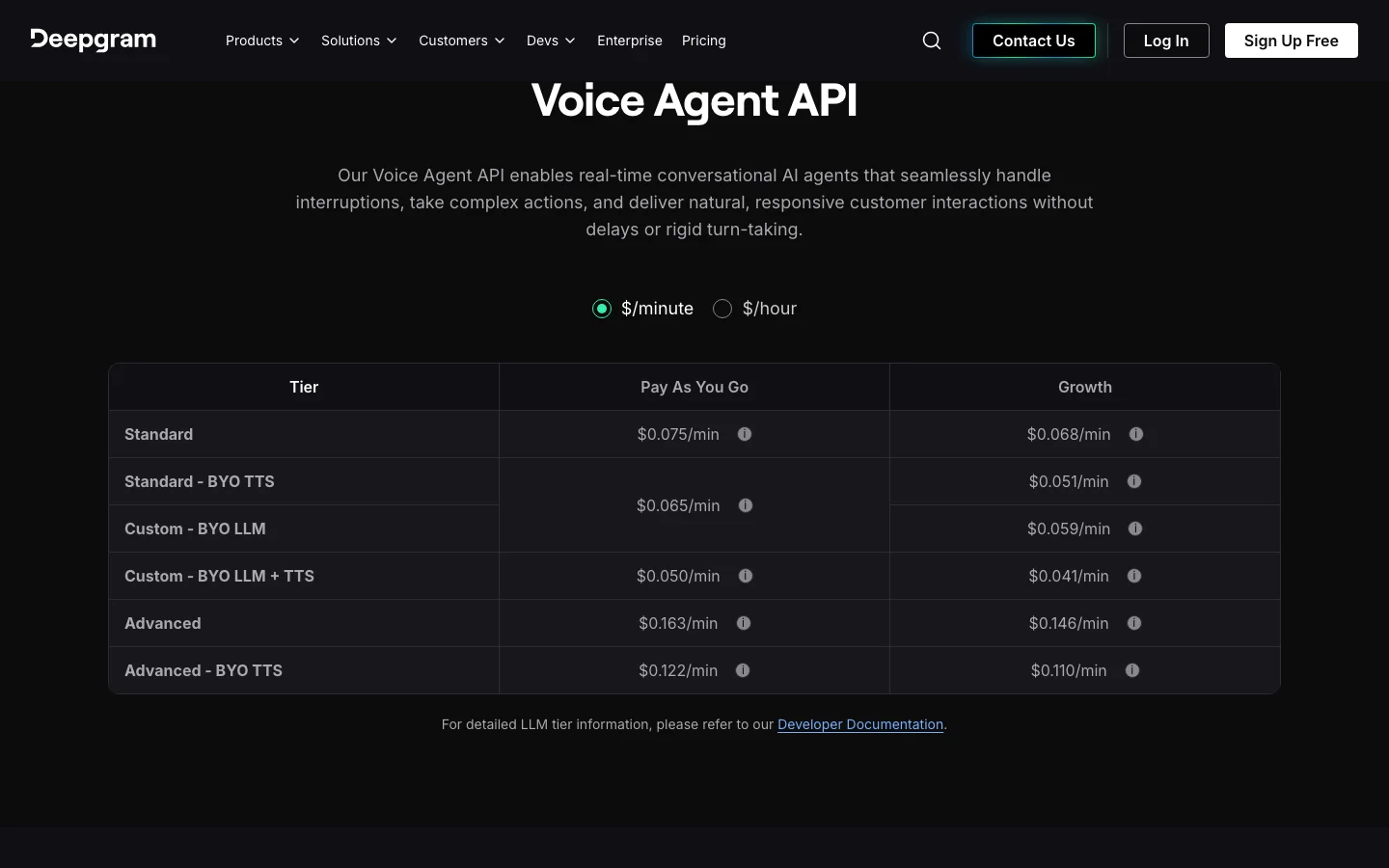
Deepgram includes $200 of free credit, after which the standard Voice Agent API costs $0.075/min. Bringing your own TTS lowers the rate to $0.065/min, while bringing both the LLM and TTS lowers it to $0.05/min. Advanced models start at $0.163/min, and Growth pricing starts with a $4,000 annual commitment.
When to choose Deepgram
Choose Deepgram when developers want one streaming API for the speech pipeline, especially if Deepgram is already in the product.
8. PolyAI - Best managed platform for enterprise contact centers
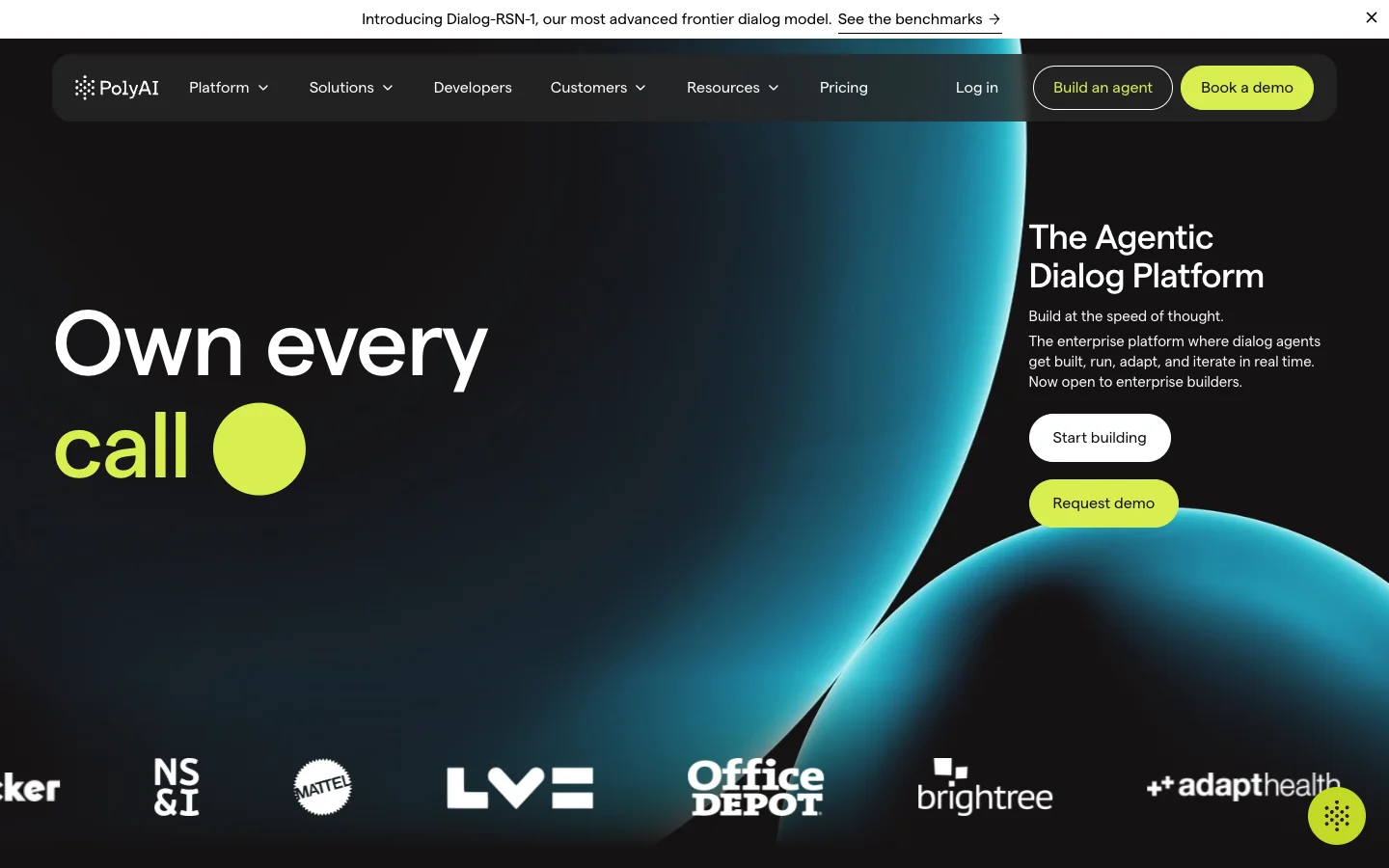
PolyAI is closer to buying an operating model than buying an API. Its team implements the voice agent and connects it to the contact center, then stays involved after launch.
PolyAI key features
- Agent Studio is paired with implementation and ongoing performance work
- Contact-center and backend integrations support established enterprise systems
- Packaged workflows cover authentication and payments, along with other service calls such as booking
- Analytics and monitoring support multilingual deployments
- Enterprise contracts include 24/7 emergency support and a published 99.9% phone-line uptime SLA
PolyAI handles more of the real-time engineering than a self-serve platform. In return, procurement and vendor-led change control become part of the operating model.
PolyAI pricing
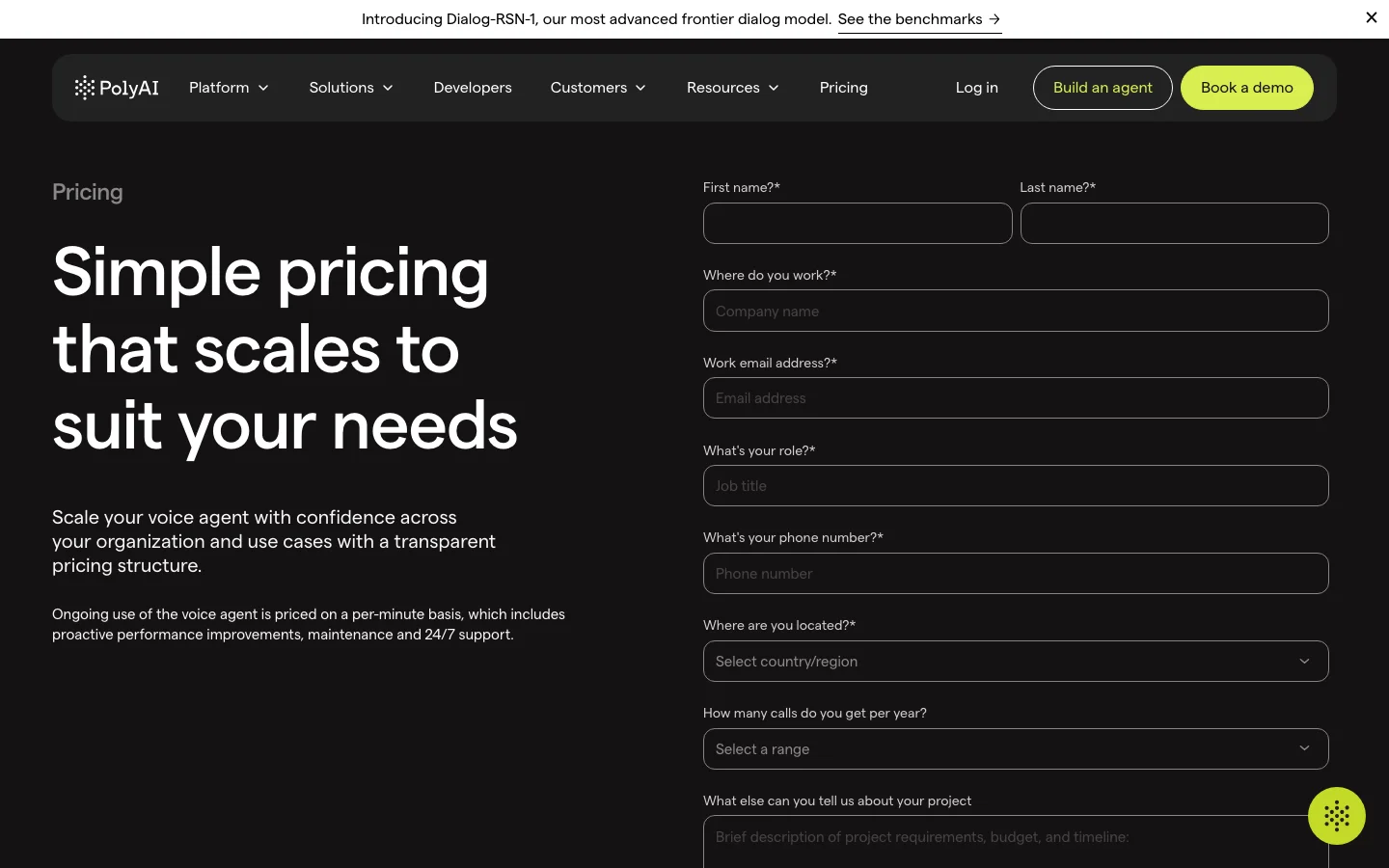
PolyAI charges per minute for ongoing voice-agent use. That rate includes maintenance and support as well as proactive improvements. PolyAI does not publish the rate, so teams need a scoped quote before comparing the managed service with self-serve infrastructure.
When to choose PolyAI
Choose PolyAI when a large contact center wants the vendor to implement the agent and remain involved after launch.
9. Voiceflow - Best cross-channel conversation design platform
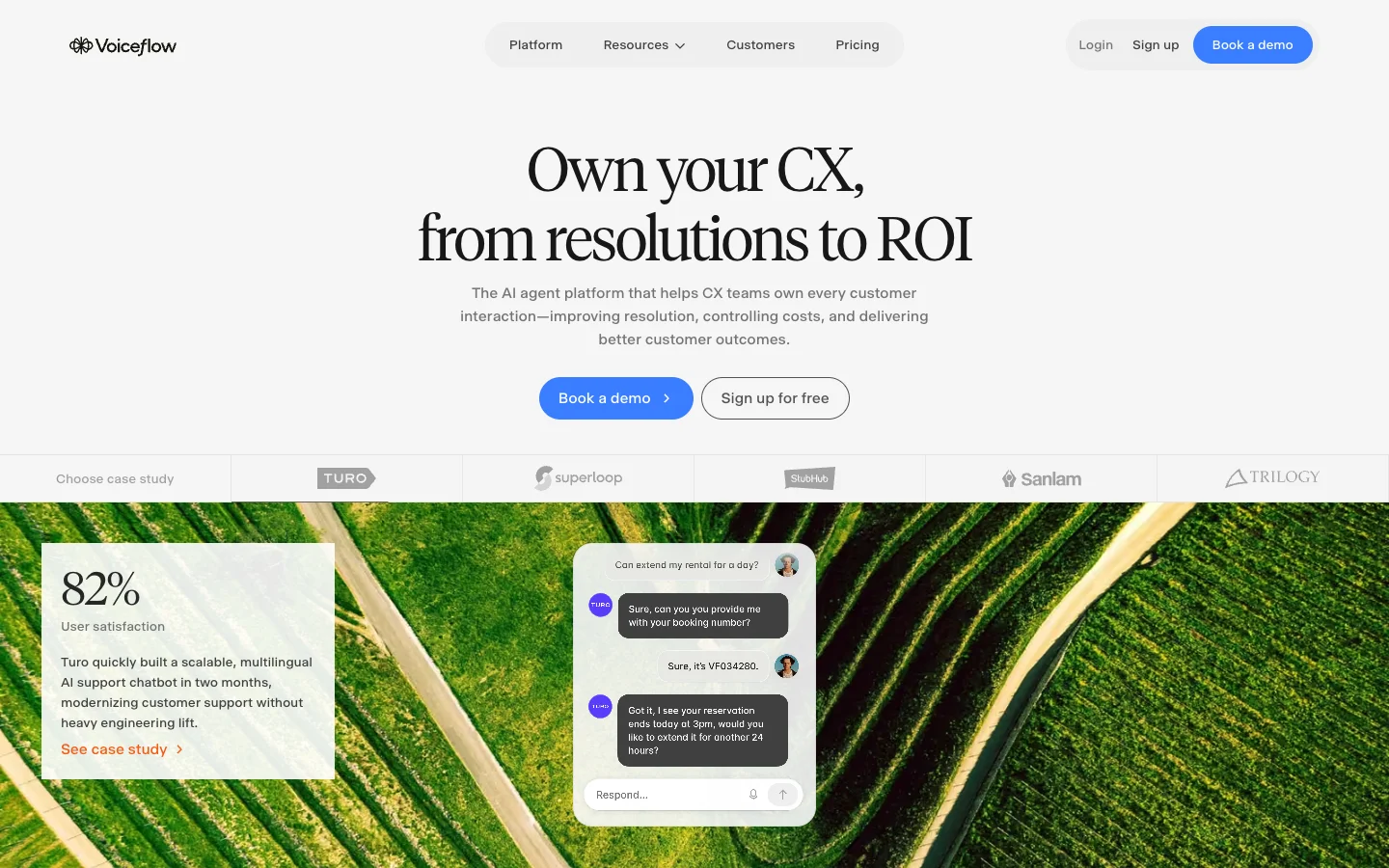
Voiceflow treats conversation design as a team sport. Designers and engineers work in the same project, with shared logic across voice and chat.
Voiceflow key features
- Deterministic workflows and model-driven playbooks live in the same agent
- Voice and chat share the agent's tools and knowledge
- Connect business systems through APIs or MCP, with native CRM integrations for standard setups
- Roles and versioned environments keep collaborative editing separate from production
- Production logs show how the shared design behaves after release, and evaluations turn those calls into measurable tests
Voiceflow owns the conversation-design and operating layer. Before buying, confirm the speech and telephony charges for the voice channel, along with the effect of concurrency on the quote.
Voiceflow pricing
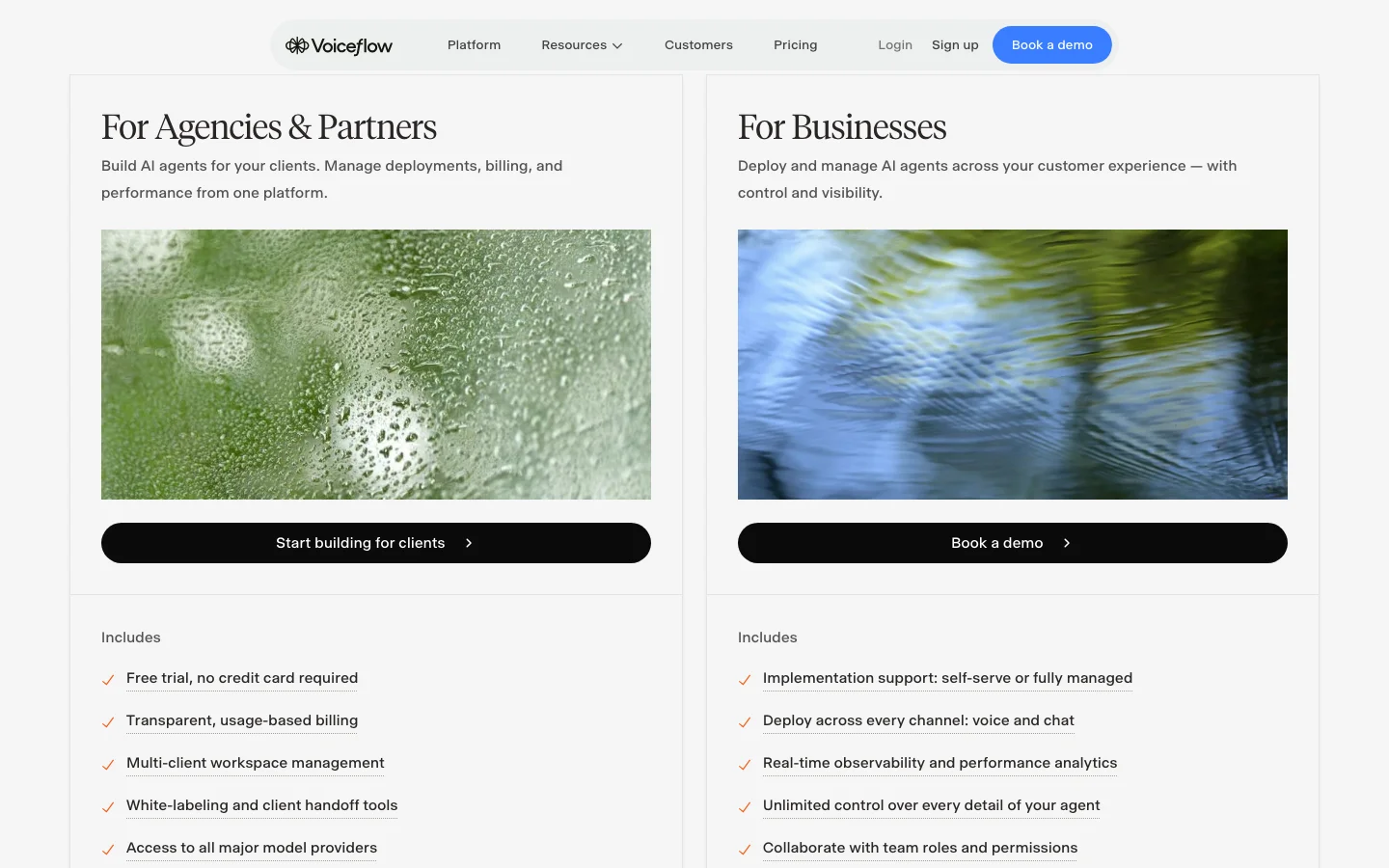
Voiceflow offers a free trial and usage-based agency billing, while business pricing requires a quote. The public page does not show a numeric production plan, so budget the quoted platform usage together with speech and telephony.
When to choose Voiceflow
Choose Voiceflow when designers and engineers need to operate the same conversation across voice and chat. Vapi, LiveKit, and Deepgram offer more code-level provider control. PolyAI is the stronger fit when the vendor should manage the enterprise deployment.
10. Twilio ConversationRelay - Best for an existing Twilio Voice stack
Twilio ConversationRelay is the shortest conceptual jump for a team already running calls on Twilio Voice. Twilio keeps the phone session and speech pipeline. Your application receives the conversation over WebSocket and remains responsible for the model and business logic.
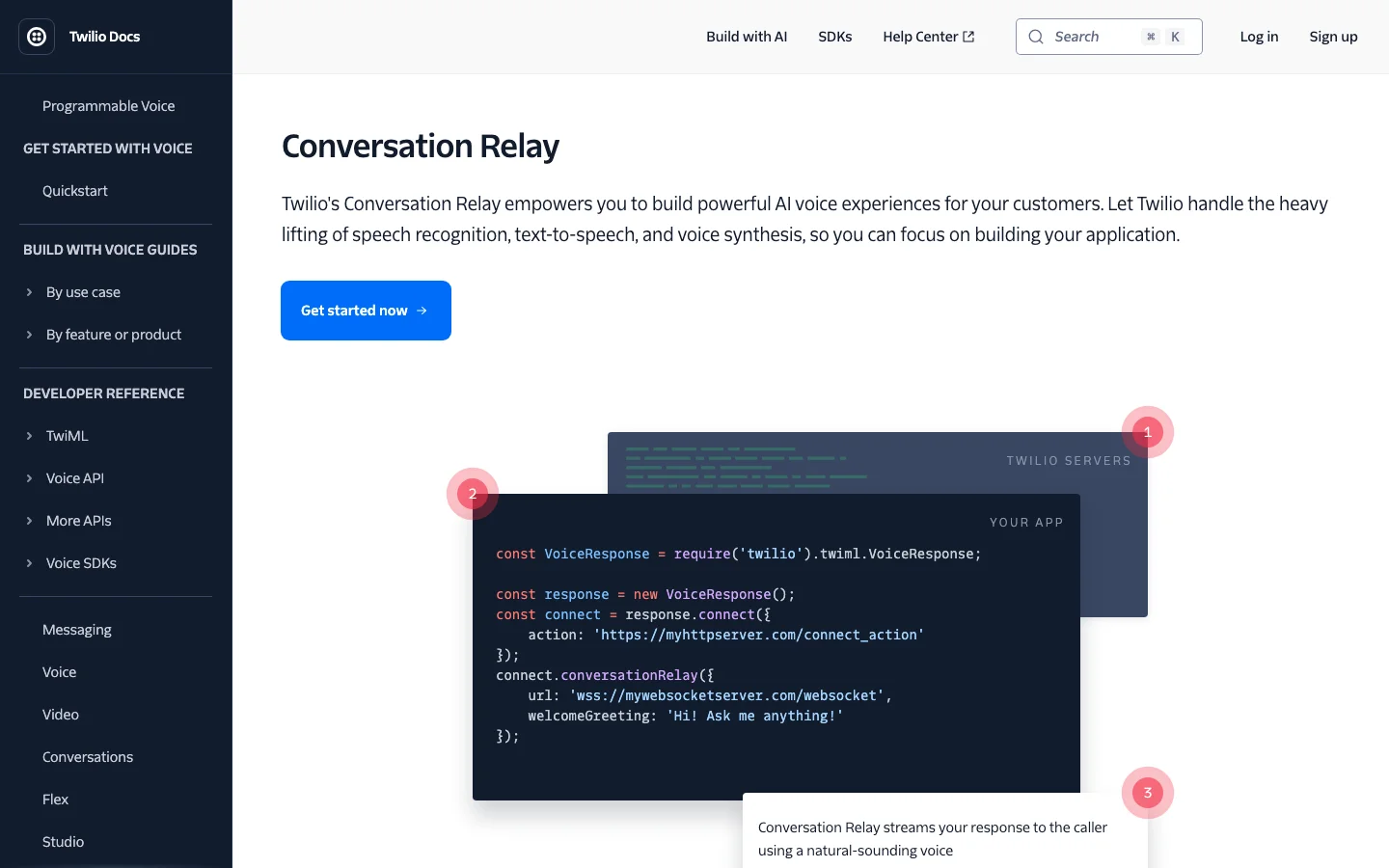
Twilio ConversationRelay key features
- Twilio Voice keeps the phone numbers and routing your team already operates, while SIP and transfers stay in the same stack
- The WebSocket carries caller speech and streams model tokens back into the call
- Speech providers and languages are selected through Twilio configuration
ConversationRelay is a voice transport and speech bridge, not a finished visual agent builder. Your application still owns the model and its tools, along with the conversation state and traces needed to debug a call.
Twilio ConversationRelay pricing
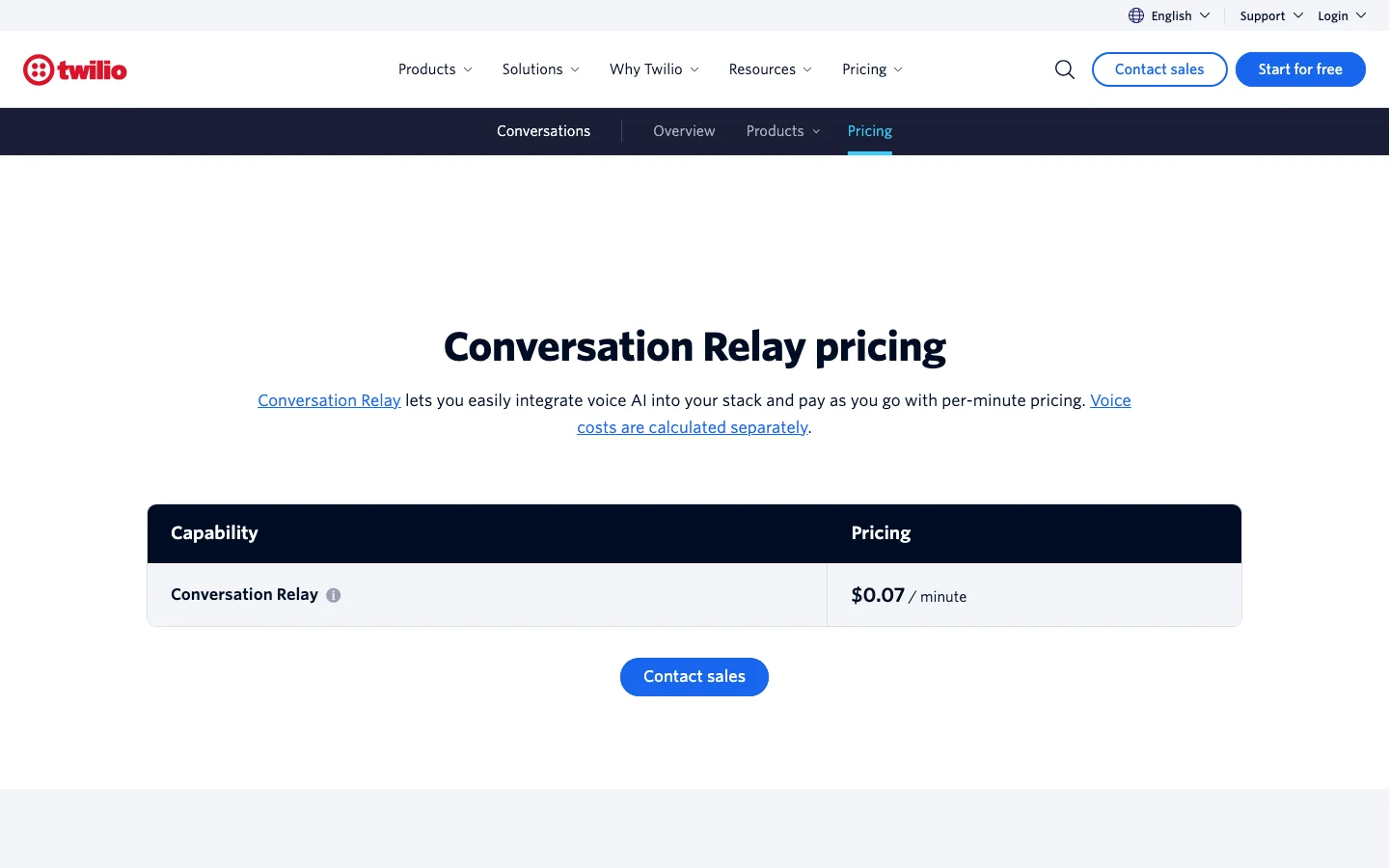
ConversationRelay costs $0.07 per minute. Twilio Voice, the language model, and external tools are billed separately.
When to choose Twilio ConversationRelay
Choose ConversationRelay when the phone layer already runs on Twilio and you want to add an agent without moving it.
Adding live web search with Firecrawl
If you are building agents that need to interact with current facts, access live documentation or information on your website (such as a regulatory update or an outage notice), you need to give the agent a web search API for live lookups.
Firecrawl Search returns ranked results with their source URLs. You can also request a full markdown scrape for each page instead of just returning the snippet for added agent context. For research-heavy calls that pull from arxiv, GitHub, or scientific literature instead of the open web, point the same tool at the Firecrawl Research Index as the source.
You can integrate Firecrawl Search with any AI voice agent that supports function calling. Retell and Vapi, for example, can call it through their tool interfaces, and other platforms with function calling work the same way. In a code-first platform such as LiveKit, the tool lives in the agent code, so that is the one I built and ran.
Step 1 - The search tool
One function turns the caller's question into a Firecrawl Search query and returns the top three results. When the request fails, it reports unavailable instead of letting the model guess:
import os
import httpx

FIRECRAWL_SEARCH_URL = "https://api.firecrawl.dev/v2/search"

async def firecrawl_search(query: str) -> dict:
    async with httpx.AsyncClient(timeout=15) as client:
        response = await client.post(
            FIRECRAWL_SEARCH_URL,
            headers={"Authorization": f"Bearer {os.environ['FIRECRAWL_API_KEY']}"},
            json={"query": query, "limit": 3, "sources": ["web"]},
        )
    if response.status_code != 200:
        return {"status": "unavailable"}
    try:
        payload = response.json()
    except ValueError:
        return {"status": "unavailable"}
    if payload.get("success") is False:
        return {"status": "unavailable"}
    return {
        "results": [
            {
                "title": item.get("title", ""),
                "url": item.get("url", ""),
                "description": item.get("description", ""),
            }
            for item in payload.get("data", {}).get("web", [])[:3]
        ]
    }
Step 2 - The agent
The instructions decide when the model searches and how it speaks the answer. The function decorator exposes the search to the model and the model uses the docstring to decide if a query requires a web search or not.
from livekit.agents import Agent, RunContext, function_tool

class VoiceSearchAgent(Agent):
    def __init__(self) -> None:
        super().__init__(
            instructions=(
                "You are a voice assistant on a phone call. Keep answers short "
                "and speakable. When the caller asks about anything that may "
                "have changed recently, call search_web before answering. Name "
                "the source in your answer and never read a URL aloud."
            )
        )

    @function_tool
    async def search_web(self, context: RunContext, query: str) -> dict:
        """Search the live web for current public information."""
        return await firecrawl_search(query)
Step 3 - Run a conversation turn
LiveKit's testing harness executes a complete turn, including real tool calls, without telephony or audio devices, which is why this runs in a plain container:
from livekit.agents import AgentSession
from livekit.plugins import anthropic

async with (
    anthropic.LLM(model="claude-haiku-4-5") as llm,
    AgentSession(llm=llm) as session,
):
    await session.start(VoiceSearchAgent())
    result = await session.run(
        user_input="Is it legal to use an AI voice for outbound marketing calls in the US?"
    )
Step 4 - What the model did with our sample query
The agent decided on its own that the question needed a search and called search\\\_web with the query legal AI voice outbound marketing calls US 2024. Firecrawl returned three results in 1.89 seconds for two credits, and the agent answered from them:
Based on recent legal guidance, using an AI voice for outbound marketing calls in the US has strict limitations.
The FCC made a 2024 ruling that AI-generated voices are considered "artificial voices" under the Telephone Consumer Protection Act, or TCPA. Here's what you need to know:
For consumer telemarketing: You generally need prior express written consent before calling with an AI voice. Cold calling with AI is essentially illegal.
Additional rules apply:
- You must follow the FTC's Telemarketing Sales Rule, which requires specific disclosures and prohibits misrepresentation
- You must honor Do Not Call lists and opt-out requests
- There are restrictions on calling hours and numbers (cell phones have extra protections)
The safest approach distinguishes between consumer calls versus B2B calls, since business calls have fewer restrictions than consumer calls.
So the short answer is: it's legal in very limited situations with proper consent and compliance, but using AI for cold calling to consumers without permission is not legal. I'd recommend consulting with a lawyer about your specific use case before proceeding.
The full turn took 5.3 seconds, no URL was read aloud.
Pro tip: If the lookup creates noticeable silence, have the agent say that it is checking a source. Name the source in the spoken answer and put its URL in the transcript instead of reading it aloud.
How to integrate Firecrawl Search in your AI voice agents efficiently for production use cases:
- Cap the result count and request full page content only when the snippets do not answer the query.
- Prefer approved domains for regulated or support workflows.
- Set a timeout and return an explicit unavailable response instead of inventing an answer.
- Cache repeated public queries when the answer does not need immediate freshness.
- Treat page content as untrusted input. Web text may contain prompt injection, so it must not authorize a business action or data disclosure.
- Log the query and the source the agent selected. Keep the timing and spoken answer in the same trace.
If you want the full real-time stack rather than the standalone tool, the Gemini Live and LiveKit voice-assistant tutorial shows how to add a Firecrawl tool call to a working voice assistant. For a deeper look at the endpoint itself, see the guide to scraping for agents with the Firecrawl Search endpoint, and for a broader retrieval comparison, see the search APIs built for agents.
Which AI voice agent platform should you choose?
Once you have a shortlist, run the same production workflow through each candidate. Interrupt a business write, force one dependency to fail, and then repeat the test at the concurrency you expect in production. Choose the platform your team can debug after the demo ends and whose bill it can explain.
Frequently Asked Questions
What is an AI voice agent?
An AI voice agent understands spoken requests and replies during a live conversation. It can also use approved business tools, allowing it to complete tasks instead of merely answering questions.
Which AI voice agent platform is best in 2026?
The best AI voice agent platform depends on who should own the stack. Retell and Bland package more of the phone-agent workflow. Vapi and LiveKit give developers more control, while Synthflow and PolyAI take on more of the enterprise deployment.
How much does an AI voice agent cost?
Published self-serve entry rates in this guide range from $0.05 to $0.14 per minute, but they cover different parts of the stack. Calculate the complete cost by adding the AI pipeline, telephony, and operational add-ons such as recordings or compliance controls.
How is a voice agent different from IVR?
An IVR follows a fixed menu such as press 1 for billing. A voice agent accepts open-ended speech and can complete actions through an API. If it transfers the call, it can pass the collected context to a person.
Can AI voice agents make outbound calls legally?
Yes, but the rules depend on jurisdiction and use case. In the United States, the FCC treats AI-generated voices as artificial or prerecorded voices under the TCPA, so consent, identification, and opt-out requirements can apply. Review the campaign with qualified counsel before launch.
Can a voice agent use live web search?
Yes. Platforms with function or webhook tools can call Firecrawl Search during the conversation. It returns source-linked web results and can include the page content the agent needs to answer.
How do AI voice agents integrate with existing systems?
Voice agents connect to systems such as a CRM or scheduler through APIs. Some platforms package those connections as native integrations, while others expose webhooks. Business writes should use authenticated tools and an idempotency key, with the result stored on the server.
What are the weaknesses of AI voice agents?
Voice agents can misread intent or interrupt the caller. They can also take the wrong action when tools lack safeguards. Production deployments need bounded workflows, observable tool calls, and a clear human handoff.
Will AI voice agents replace human call-center agents?
No, not across an entire call center. AI voice agents can handle bounded calls and collect context before a transfer. Sensitive or ambiguous decisions still need a clear human handoff.
How should enterprises evaluate AI voice agent vendors?
Enterprises should define the required deployment model and data controls before comparing voices. Then run one production workflow through each vendor. Test interruption recovery and safe business writes at the expected concurrency, and make sure the quote includes implementation and change management.